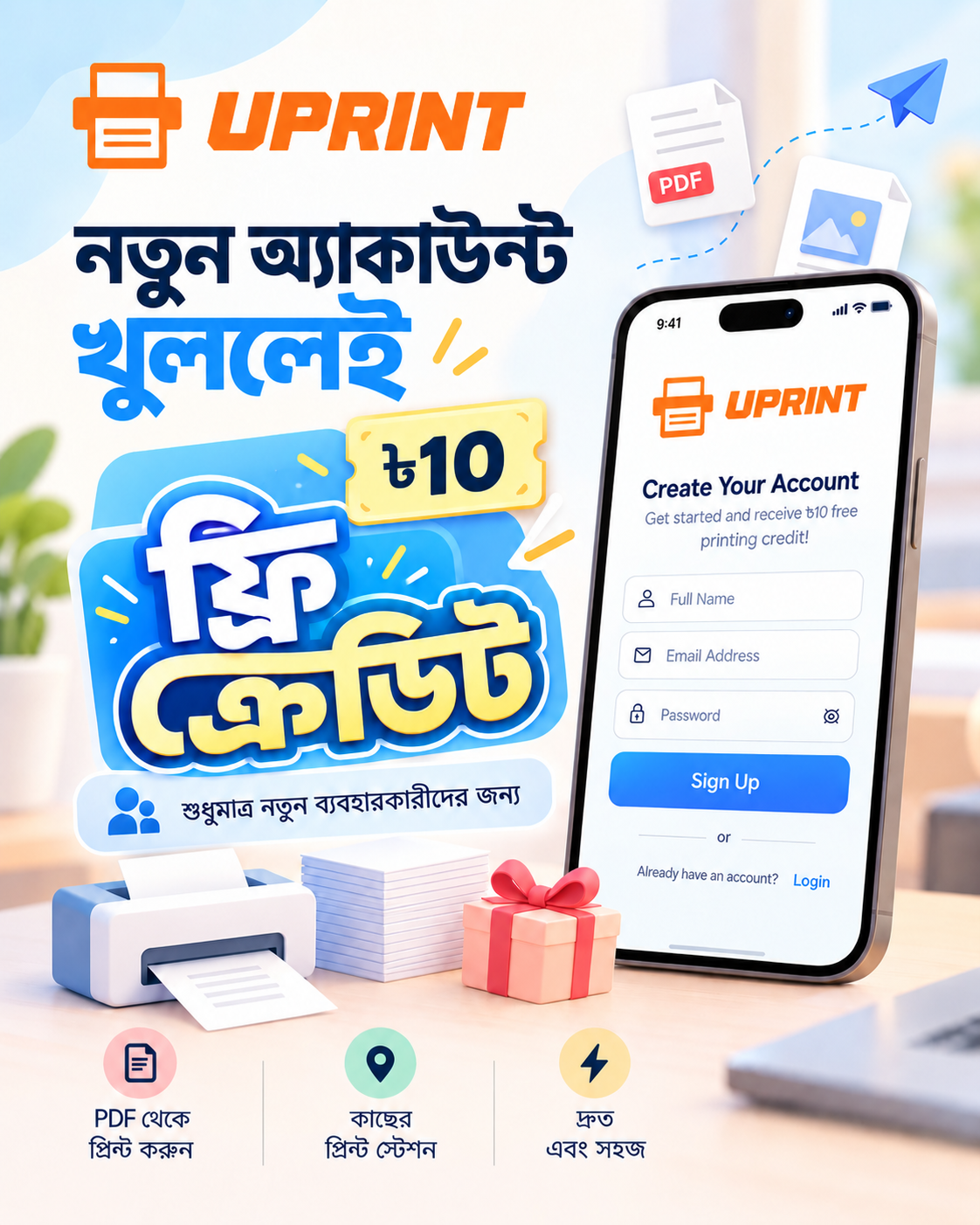
Phone to Print, Within Seconds.
Print at any nearby UPrint printer in just a few clicks with our cloud-based printing solution.
20,000+
Files Printed
100%
Secure Upload
100%
Mobile Friendly
20+
Kiosk Outlets
How It Works
Three steps. That's it.
1
Upload your file
Send a PDF or photo from your phone or PC.
2
Choose Print Settings
Pick pages, copies, color, and size.
3
Confirm & collect
Collect Print using OTP, Direct Print, or QR.
Uprint
Sohan12
Take a Photo
Browse File
✕
OTP
710635
Print Id
13061
Print Status
In Queue
File Name
test.pdf
Remaining Time
0hr
:58min :56sec
Approx. Cost
BDT 10.0
Direct Print
Scan Kiosk QR
✕
OTP
284917
Print Id
13062
Print Status
In Queue
File Name
Assignment_Ch4.pdf
Remaining Time
0hr
:42min :10sec
Approx. Cost
BDT 30.0
Direct Print
Scan Kiosk QR
✕
OTP
509342
Print Id
13063
Print Status
In Queue
File Name
Admit_Card.pdf
Remaining Time
1hr
:12min :04sec
Approx. Cost
BDT 100.0
Direct Print
Scan Kiosk QR
Self-Service Kiosk
Your phone is all you need
No pendrive. No shop computer. No hassle. Just upload and collect.
- 1 Open browser → upload your file
- 2 Choose print settings — pages, copies, color
- 3 Collect your Print using OTP or QR
Before vs After
Replace the old print-shop hassle
Traditional
Carry a pendrive everywhere
Share files with shop staff
Wait in long queues
Cash only at the counter
Visit the print shop first
VS
Uprint
Upload from your phone
Secure cloud file upload
Skip the queue
Online payment support
Print from anywhere
Print History
Track Your Print History
Home
Insert
Formulas
Data
| A | B | C | D | E | F | G | |
|---|---|---|---|---|---|---|---|
| 1 | Date Time | File name | Cost | Total copies | No of Pages | Print Status | Device ID |
| 2 | 2026-06-30 10:46 AM | Iconic_Furniture_DC.pdf | 5 | 1 | 1 | Completed | UP2370700536 |
| 3 | 2026-06-29 10:36 AM | Mariyul_Noory_Ltd_DC.pdf | 20 | 2 | 2 | Completed | UP2370700536 |
| 4 | 2026-06-29 03:00 PM | Retina_DC_2.pdf | 5 | 1 | 1 | Completed | UP2370700536 |
| 5 | 2026-06-29 02:59 PM | Retina_PInvc_2.pdf | 5 | 1 | 1 | Completed | UP2370700536 |
| 6 | 2026-06-29 02:51 PM | Retina_DC_2.pdf | 10 | 2 | 1 | Completed | UP2370700536 |
| 7 | 2026-06-29 02:50 PM | Retina_DC.pdf | 5 | 1 | 1 | Completed | UP2370700536 |
| 8 | 2026-06-29 02:50 PM | Retina_PInvc_2.pdf | 10 | 2 | 1 | Completed | UP2370700536 |
| 9 | 2026-06-29 02:49 PM | Retina_PInvc.pdf | 20 | 2 | 2 | Completed | UP2370700536 |
| 10 | 2026-06-29 02:28 PM | Otobi_Ltd_DC_2.pdf | 5 | 1 | 1 | Completed | UP2370700536 |
| 11 | 2026-06-28 12:22 PM | Tahameena_Enterprise_DRC.pdf | 5 | 1 | 1 | Completed | UP2370700536 |
| 12 | 2026-06-25 02:11 PM | AmarUddog_DC_2.pdf | 10 | 2 | 1 | Completed | UP2370700536 |
| 13 | 2026-06-25 02:08 PM | AmarUddog_DC_3.pdf | 20 | 2 | 2 | Completed | UP2370700536 |
| 14 | 2026-06-25 01:12 PM | Study_Care_SA.pdf | 5 | 1 | 1 | Completed | UP2370700536 |
| 15 | 2026-06-25 01:11 PM | Study_Care_DC.pdf | 20 | 2 | 2 | Completed | UP2370700536 |
| 16 | 2026-06-24 12:34 PM | Data_World_DC.pdf | 5 | 1 | 1 | Completed | UP2370700536 |
| 17 | 2026-06-24 12:31 PM | Data_World_SA.pdf | 5 | 1 | 1 | Completed | UP2370700536 |
| 18 | 2026-06-24 12:29 PM | Data_World_DC.pdf | 20 | 2 | 2 | Completed | UP2370700536 |
| 19 | 2026-06-24 05:11 PM | Otobi_Ltd_DC.pdf | 10 | 2 | 1 | Completed | UP2370700536 |
| 20 | 2026-06-24 04:24 PM | RSPL_Health_Limited_SA.pdf | 5 | 1 | 1 | Completed | UP2370700536 |
| 21 | 2026-06-24 04:24 PM | RSPL_Health_Limited_DC.pdf | 20 | 2 | 2 | Completed | UP2370700536 |
| 22 | 2026-06-24 04:13 PM | PROGOTI_IT_DC.pdf | 5 | 1 | 1 | Completed | UP2370700536 |
| 23 | 2026-06-24 04:12 PM | PROGOTI_IT_SA.pdf | 5 | 1 | 1 | Completed | UP2370700536 |
| 24 | 2026-06-24 04:10 PM | Tahfizul_Quran_(Card).pdf | 10 | 2 | 1 | Completed | UP2370700536 |
| 25 | 2026-06-24 04:03 PM | Tahfizul_Quran_Madrasa_DC.pdf | 5 | 1 | 1 | Completed | UP2370700536 |
| 26 | 2026-06-24 04:02 PM | Tahfizul_Quran_Madrasa_SA.pdf | 5 | 1 | 1 | Completed | UP2370700536 |
Print History
FAQ
Frequently Asked Questions
Can I print from my phone?
Yes. Upload directly from your phone or computer.
Will my file be stored on the server?
No. Your file is automatically deleted after printing. If you don't
print it, it is automatically deleted after 1 hour.
Is my file secure?
Yes. Your files are protected with end-to-end encryption and are
automatically deleted after printing.
How much does printing cost?
Printing prices vary by outlet. You can see the estimated cost before
confirming your print.
Which file formats are supported?
PDF, Word, and image files are supported. For the best printing quality,
we recommend using PDF.
Where can I find the User Manual?
Read the complete User Manual.
How do I use Uprint?
Watch our Tutorial.